Search engines need a useful page around a video: a clear title, a description, a representative thumbnail, and machine-readable metadata. A transcript and chapters add more context for viewers and crawlers.
Use these checks when publishing an important video.
Intent and keywords
Start with the question the video answers and the language your audience uses. Review existing search results to see whether people expect a tutorial, demonstration, interview, or another format.
Title and description
Write a specific title and a description that explains what the viewer will find. Use the main phrase naturally; repeating it does not make the page more useful.
Publish the transcript
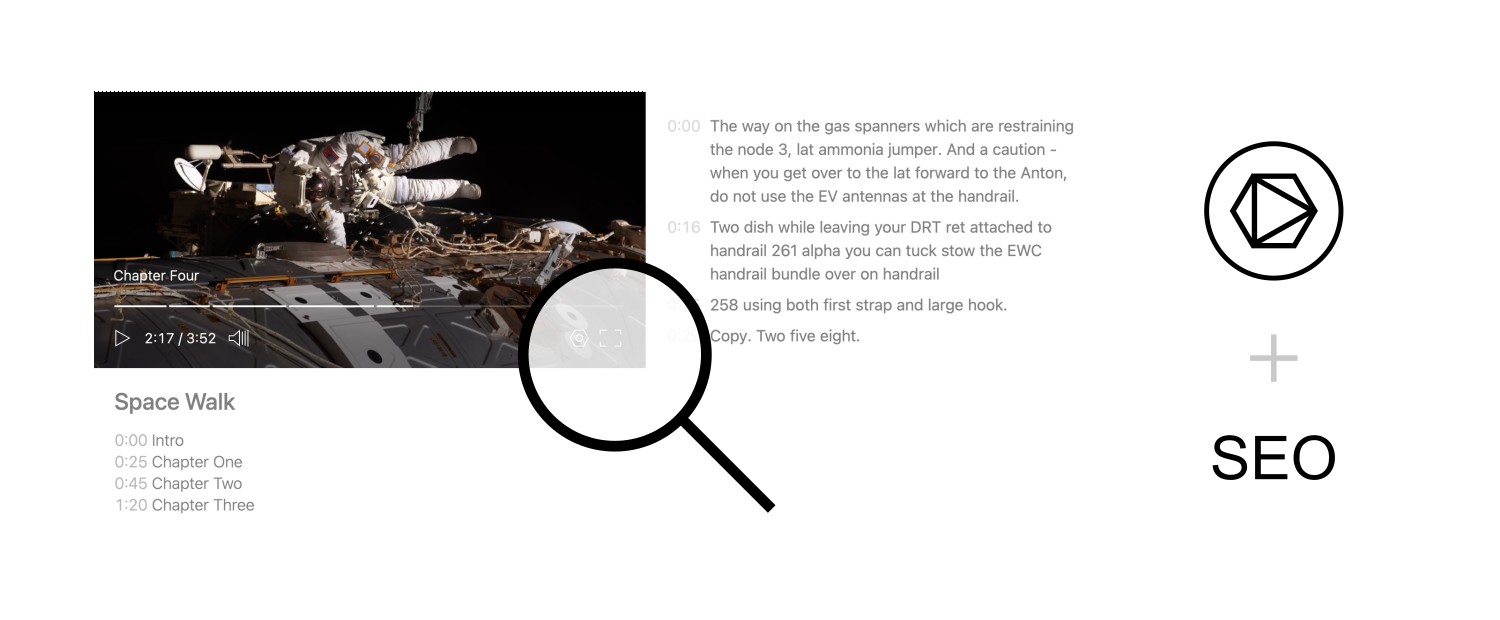
Every video uploaded to Skiv is automatically transcribed and analyzed. You can embed the transcript alongside the video so viewers and crawlers can read the spoken content.
And so we're getting really close to the first launch of astronauts into orbit from American soil since two thousand eleven.
Rich Search Results
Video pages may qualify for rich search results when they include valid video structured data.
This is done by inserting special JSON-LD markup next to the player that tells crawlers the page contains a video and supplies metadata such as its title and description. Skiv adds this markup when you embed a video.
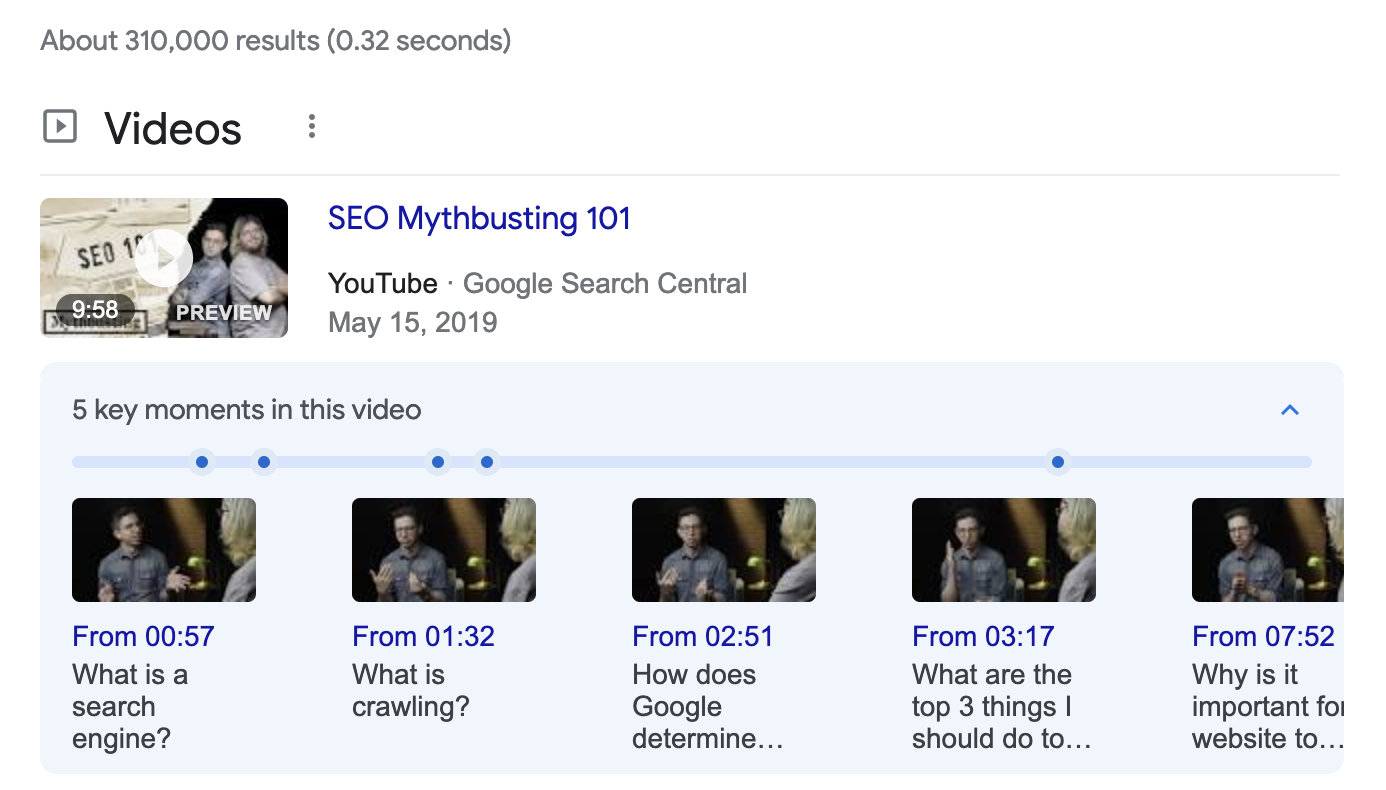
Add chapters by listing each timestamp and title on a separate line in the video description. Skiv includes those chapters in the structured data.
Focus on one video
Google recommends creating a dedicated watch page for each important video when that fits your site. Make the video the page’s main content, keep it clearly visible, and provide a unique title and description. Pages with multiple or secondary videos can still appear as regular text results, but may not qualify for video-specific search features.
Thumbnails
Use a thumbnail that represents the video's actual content and remains readable at a small size. For a tutorial, showing the finished result can be more useful than a generic title card.
Get started (it's free)