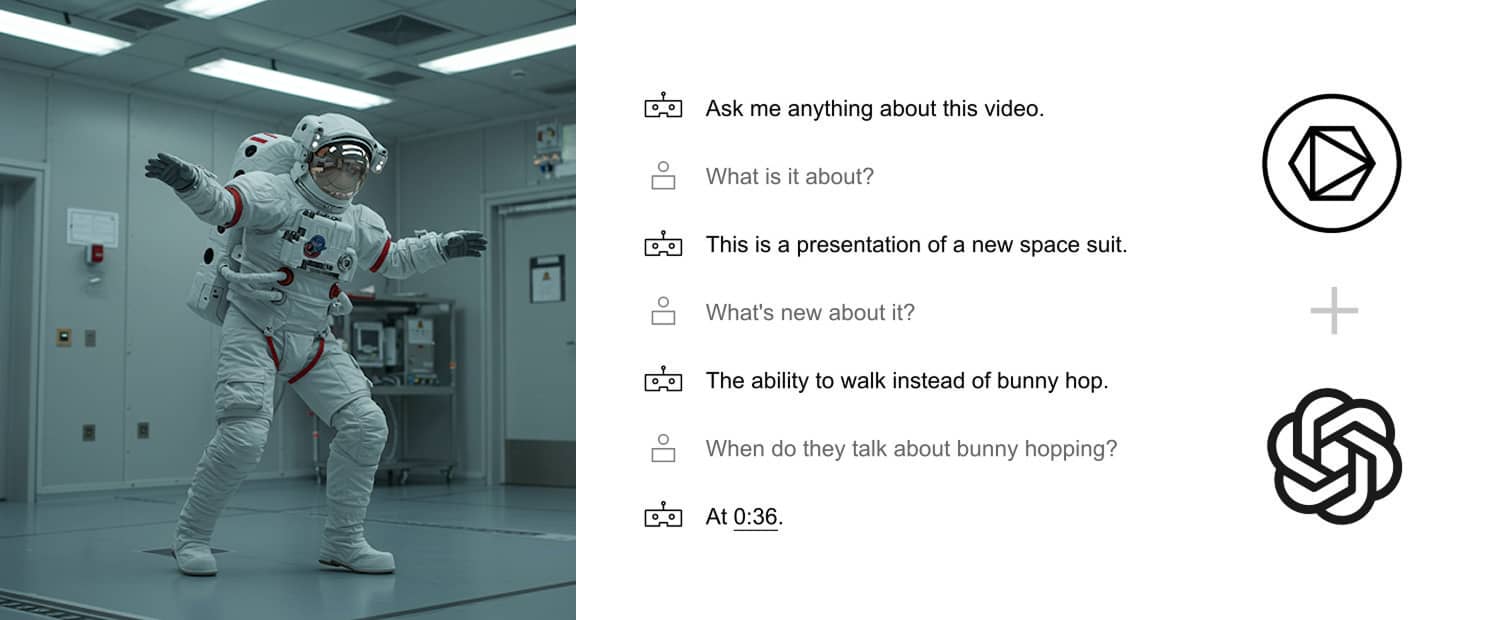
Lecture recordings, guest talks, and research presentations are difficult to reuse when viewers can search only their titles and tags. Indexing what is said and shown gives students and faculty a direct route to the relevant moment.
Search inside campus video
Skiv indexes speech, on-screen text, scenes, people, objects, and sounds. A search for “Fourier transform” or “climate policy” can return matching moments across a video or collection.
Uploads are also transcribed and timestamped automatically. Review the transcript, publish it as captions, and embed the player or collection in an LMS, course page, or department site.
Uses in higher education
1. Find a specific explanation
Students can search a lecture, follow its transcript, and jump to the section they need to review.
2. Publish captions
Automatic transcripts provide a starting point for captions. Review names and technical terms before publishing to improve accuracy.
3. Reuse recordings
Embed a lecture in a course page, link to a timestamp from an assignment, or group related talks into a searchable collection.
4. Organize by course or topic
Create collections by course, year, speaker, or topic. Embed them on internal sites and control access with visibility, password, or domain settings.
5. Connect existing systems
Use standard embeds for course pages or the API when an institution needs a custom upload and publishing workflow.
Bring search to your archive
See Skiv pricing for self-service plans, or contact the team to discuss an institutional setup.
Get started (it's free)